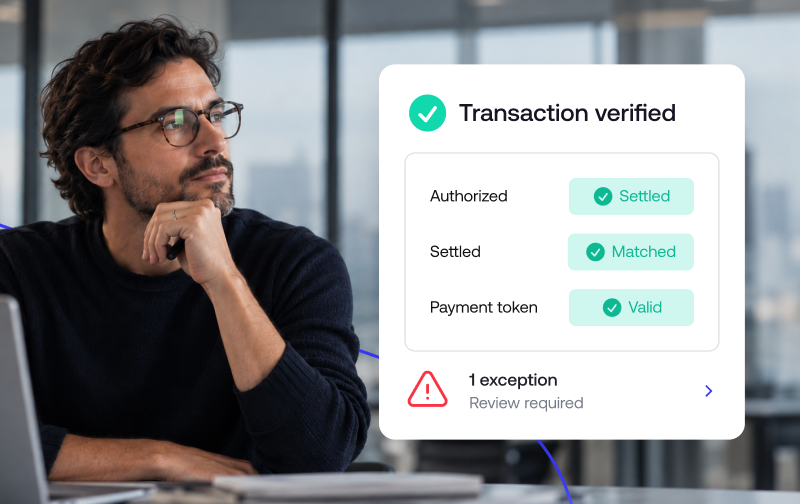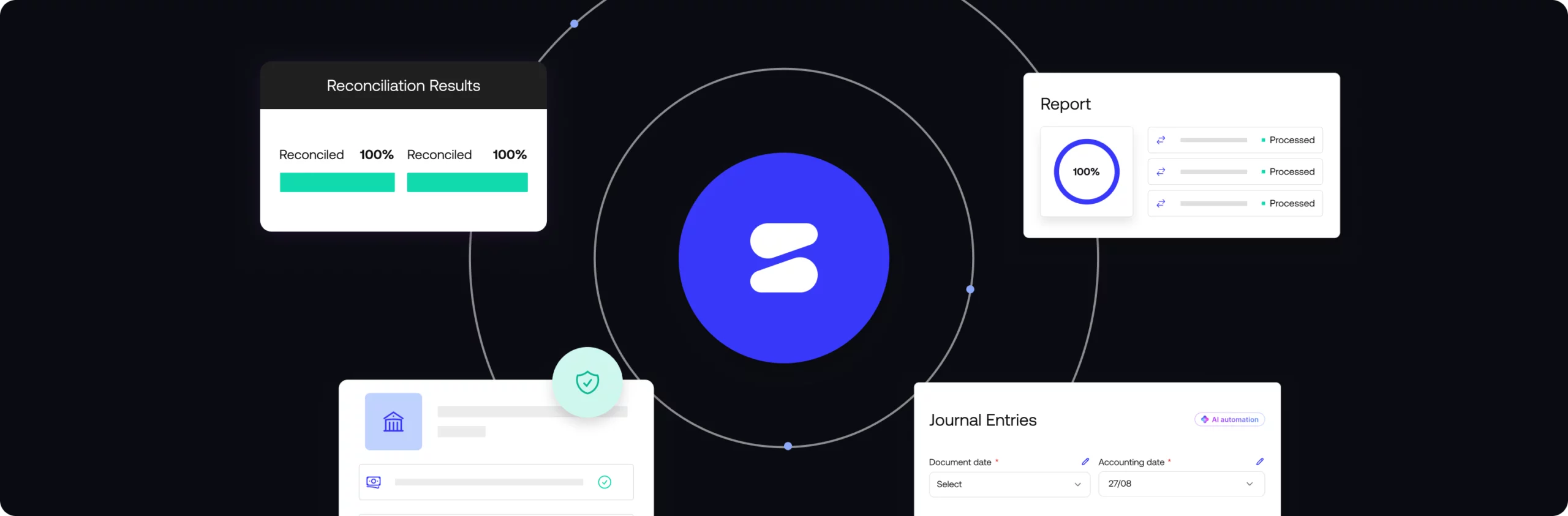
Financial close software is a tool that automates the financial close (the process of reconciling accounts, posting journal entries, and producing financial statements at the end of a period). It helps finance teams close the books faster, with fewer errors and a clear audit trail.
This guide walks through what the financial close process actually involves, what financial close software does day to day, the benefits of automating it, the types of tools available, and how to evaluate one for your team.
What is the financial close process?
The financial close process is the set of steps a finance team runs at the end of every period, usually monthly, quarterly, and annually, to finalize the financial record known as the books. It typically culminates in the month-end close: the point where all transactions for the period are recorded, accounts are reconciled, and financial statements are ready to report on.
The month-end close, step by step
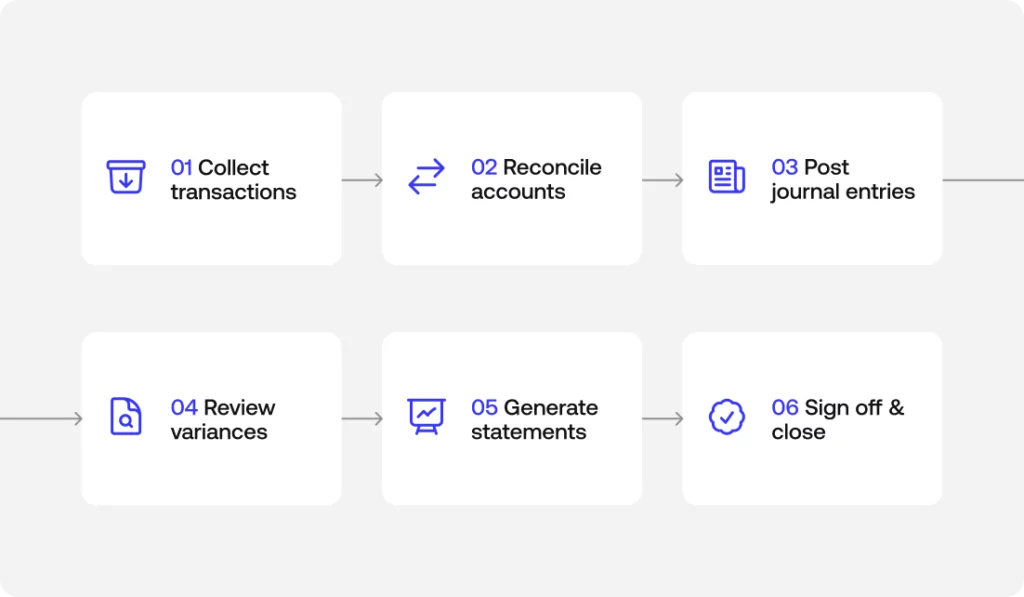
Every close looks a little different depending on company size and complexity, but most follow a similar sequence:
- Collect and record all transactions for the period.
- Reconcile accounts, matching internal records against bank statements, payment processors and other systems of record.
- Post journal entries and accruals for revenue or expenses that belong in the period but haven’t been recorded yet.
- Review variances and make adjusting entries where numbers don’t tie out.
- Generate financial statements: the balance sheet, income statement, and cash flow statement.
- Review and sign off, closing the period.
Keeping this process consistent, and documented, is what makes each close faster and more predictable than the last.
A financial close checklist finance teams use
A simple checklist keeps nothing from slipping through the cracks during a close:
- Transaction cutoff confirmed for the period
- Key accounts reconciled (cash, receivables, payables)
- Accruals and deferrals recorded
- Intercompany eliminations completed
- Variances reviewed and explained
- Financial statements reviewed and approved
What does financial close software do?
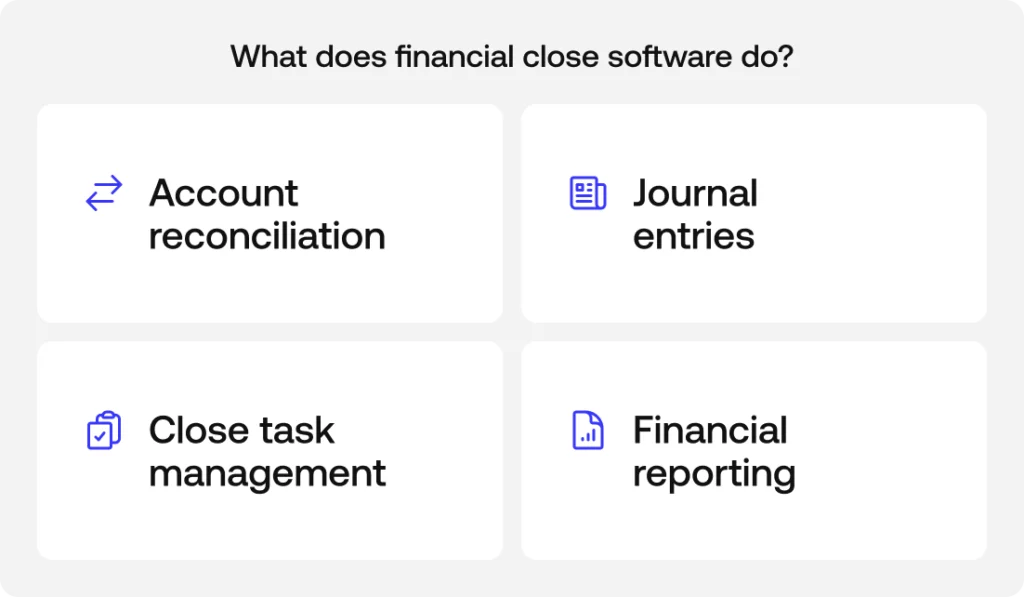
At a high level, financial close software automates the manual, repetitive parts of the close so finance teams spend less time chasing numbers in spreadsheets and more time reviewing exceptions. Most tools in the category cover four core capabilities.
See how Simetrik handles each of these capabilities on a single platform: Request a demo.
Account reconciliation and transaction matching
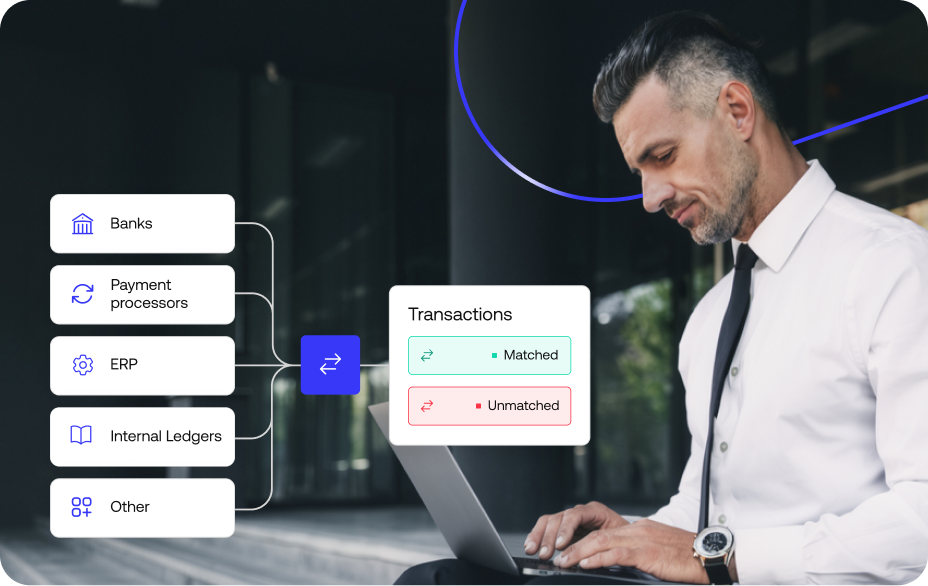
Financial close software handles account reconciliation and transaction matching automatically, comparing records across systems (banks, payment processors, ERPs) instead of requiring someone to line up rows by hand. This is usually where the biggest time savings show up, since manual reconciliation is one of the most labor-intensive parts of a close.
Journal entries, accruals, and intercompany eliminations
The software can automate the creation of journal entries, accruals, and intercompany eliminations, applying consistent rules so entries are recorded the same way every period instead of depending on one person’s memory of how it was done last time.
Close task management and audit trails
Beyond the numbers, financial close software helps coordinate the close itself: assigning tasks, tracking what’s done and what’s pending, and maintaining audit trails and internal controls so every action taken during the close is logged and traceable.
Financial reporting and financial statements
Once the period is reconciled and adjusted, the software posts the final entries to the general ledger and produces financial statements, the balance sheet, income statement, and cash flow statement, along with the financial reporting finance teams need for management and, eventually, for auditors.
What are the benefits of financial close automation?
Automating the close doesn’t just save time. Finance teams that move away from manual, spreadsheet-based closes typically see:
- A faster close, from weeks down to days
- Fewer manual errors, since matching and postings follow consistent rules
- Better auditability, with every entry and adjustment logged
- More visibility into where the close stands at any point, not just at the end
- Less manual, repetitive work for the finance team
Types of financial close software
Not every tool in this category does the same thing. Broadly, financial close software falls into a few types:
- Close task management tools, which focus on coordinating who does what during the close and tracking progress against a checklist.
- Account reconciliation tools, focused specifically on automating the matching of transactions and balances across systems.
- Close and consolidation suites, which combine reconciliation and task management with the ability to consolidate financial statements across multiple entities.
- Financial control platforms, which go a step further and reconcile operational data continuously, before the close even starts, rather than only at period-end.
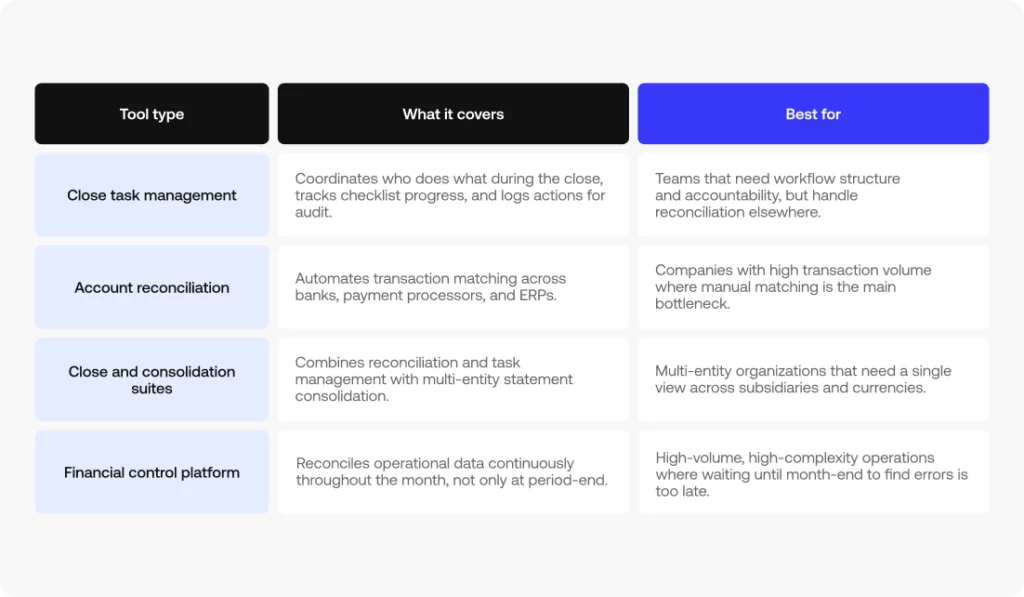
Which type makes sense depends on how much of the process you want to automate, and how complex your entity structure and transaction volume already are.
How to evaluate financial close software
A few criteria tend to separate tools that hold up at scale from the ones a finance team outgrows quickly:
- Reconciliation depth: does it match at the transaction level, or only confirm that summary balances agree?
- Anomaly detection: can it flag unusual patterns on its own, or does someone need to know what to look for?
- Multi-entity and IFRS support: does it handle multiple entities, currencies, and accounting standards without manual workarounds?
- Audit trails and internal controls: is every action logged, with clear segregation of duties?
- ERP integration: how easily does it connect to the systems you already use?
- Real automation vs. assisted automation: how much of the close does it actually take off your plate, versus just organizing the manual work?
How continuous close reduces month-end scramble
Traditionally, reconciliation happens after the period ends, which is why closes tend to compress into a stressful few days. Continuous close flips that: operational data gets reconciled throughout the month, as transactions happen, so by the time the period ends, most of the work is already done. The close becomes a final review instead of a race against the calendar.
See continuous close in action with your own data: Book a demo with Simetrik.
Frequently asked questions
What is the difference between financial close and consolidation?
The financial close finalizes one entity’s books for a period; financial consolidation combines multiple entities into group financial statements. Close comes first; consolidation builds on it.
How long should the financial close take?
It varies by company size and complexity, but many teams aim to close within a handful of business days. Automating reconciliation and journal entries is what shortens it.
What does financial close management software do?
It coordinates the close: reconciling accounts, automating journal entries and accruals, tracking close tasks and controls, and producing audit-ready financial statements from verified data.
See financial close software in action
If you’d like to see how this works on an actual platform, Simetrik applies financial close software across account reconciliation, close task management, and reporting for high-volume, multi-entity operations. Book a demo to walk through how it applies to your own close.